


QYSMT
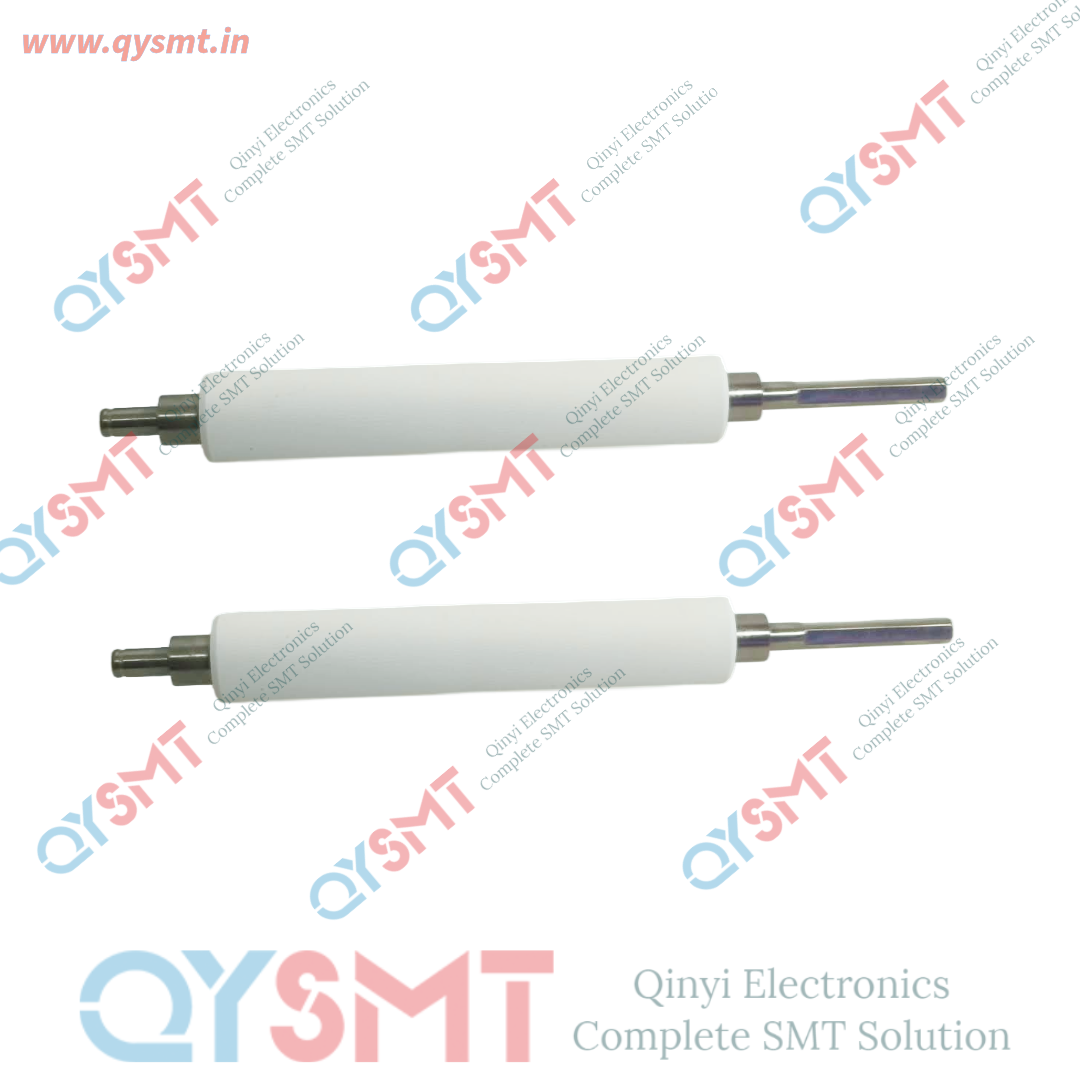
105SL Plus SMT ROLLER
105SL Plus SMT ROLLER
Contact Seller :- Call or Whatsapp +91 9319902096 harshita@qysmt.in
Contact Seller :- Call or Whatsapp +91 9319902096 harshita@qysmt.in
Call or Whatsapp
+91 9319902096
Email: harshita@qysmt.in
105SL Plus SMT ROLLER
| Material | Rubber |
| Application Type | Industrial |
| Roller Type | Platen |
| Roller Surface | Silicone Rubber |
| Printing Method | Thermal |
| Roller Length | 100-200 mm |
| Roller Diameter | 0-50 mm |
| Usage/Application | Printing |
| Roller Work Nature | Wetting With Rubber |
| Color | WHITE |
| MODELS | ZT410,ZT420,ZT230,ZT620,ZT610,ZM400 |
| View in Hindi | "ज़ेबरा प्लेटन रोलर" |
A platen roller is a crucial component in thermal printers, responsible for applying the necessary pressure to feed labels or media through the printer, ensuring clear and crisp printouts. Over time, platen rollers can wear out or become damaged, leading to print quality issues or media handling problems. Regular maintenance, including cleaning and timely replacement of the platen roller, is essential to maintain optimal printer performance and prevent costly downtime.
Zebra Technologies
Key Features:
-
Functionality: Facilitates the movement of media through the printer by applying appropriate pressure, ensuring consistent print quality.
-
Maintenance: Regular cleaning is recommended to remove contaminants like adhesive, dirt, and oils, which can damage the printhead or cause media to slip or stick.
Zebra Docs -
Replacement: A worn or damaged platen roller should be replaced promptly to avoid print quality degradation and media handling issues.
Maintenance Tips:
-
Cleaning: Use a lint-free cloth lightly moistened with medical-grade isopropyl alcohol to clean the platen roller. Avoid using excessive force or abrasive materials to prevent damage.
Zebra Docs -
Inspection: Regularly inspect the platen roller for signs of wear, such as grooves, cracks, or surface damage. Replace the roller if any damage is detected.
-
Replacement: When replacing the platen roller, ensure compatibility with your specific printer model to maintain optimal performance.
For detailed instructions on cleaning and replacing the platen roller, refer to the user manual of your specific Zebra printer model. Proper maintenance of the platen roller is essential for ensuring consistent print quality and prolonging the lifespan of your printer.


Complete SMT Solution
-

Address:-
Qinyi Electronics Pvt. Ltd.
Plot no. 48, 3rd FLOOR, PACE CITY-1, SECTOR-37 GURUGRAM, HARYANA, Pin Code - 122004
GSTIN : 06AAACQ6376N1ZW -
Contact US:-
Qinyi Electronics Pvt. Ltd.
Contact Person: Harshita Sharma
Tel. : +91 9319902096
Email : harshita@qysmt.in
