


QYSMT
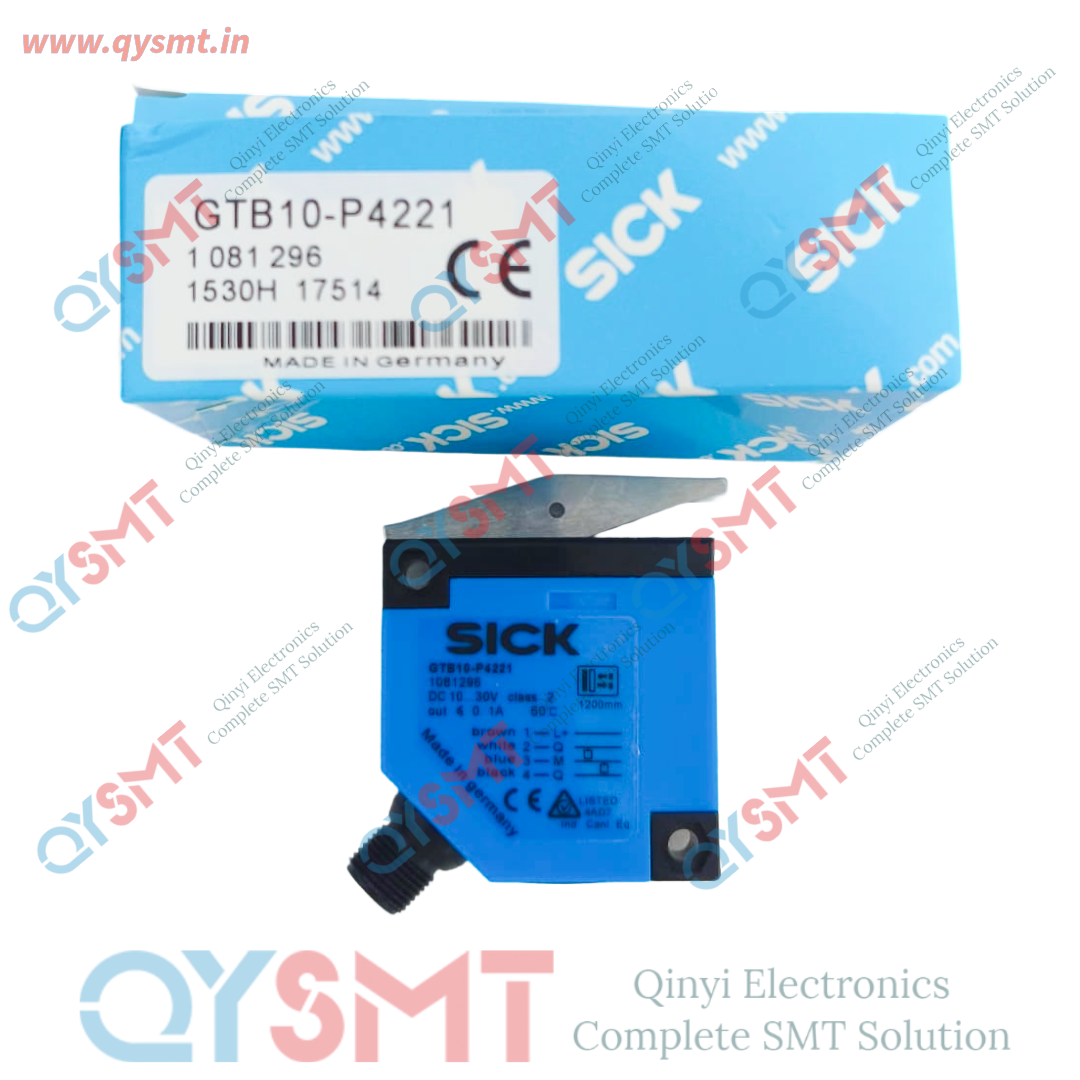
GTB10-P4221 sick sensor
GTB10-P4221 sick sensor
Contact Seller :- Call or Whatsapp +91 9319902096 harshita@qysmt.in
Contact Seller :- Call or Whatsapp +91 9319902096 harshita@qysmt.in
Call or Whatsapp
+91 9319902096
Email: harshita@qysmt.in
GTB10-P4221 sick sensor
Diagnostic ChecklistUse this quick checklist to pinpoint the problem:
- Check the LED Indicators:
- Green LED (Power): If this is off, you have a power supply issue (check the 10V–30V DC connection).
- Yellow LED (Status): This indicates if the sensor sees an object. If it fails to turn on when an object is present, your object might be too dark, too far, or the sensor is misaligned
- Clean the Lenses: Dust, oil, or debris can block the infrared light. Gently clean the optical windows with a soft, lint-free cloth.
- Verify Sensing Distance: The GTB10-P4221 has a maximum sensing range of 1,200 mm (1.2 m). If your target is beyond this, it won't be detected.
- Adjust the Potentiometer: It features a 5-turn mechanical potentiometer. If the background is being detected, or your target isn't triggering the sensor, you may need to dial the distance up or down.
- Check Wiring and Output: This model features a PNP switching output. Use a multimeter at the M12 4-pin connector to ensure you are receiving power and a switching signal (typically ~24V DC on the output pin when an object is detected).


Complete SMT Solution
-

Address:-
Qinyi Electronics Pvt. Ltd.
Plot no. 48, 3rd FLOOR, PACE CITY-1, SECTOR-37 GURUGRAM, HARYANA, Pin Code - 122004
GSTIN : 06AAACQ6376N1ZW -
Contact US:-
Qinyi Electronics Pvt. Ltd.
Contact Person: Harshita Sharma
Tel. : +91 9319902096
Email : harshita@qysmt.in
